
Feature spotlight
Smart Thermostats
A comfortable room before the guest arrives.
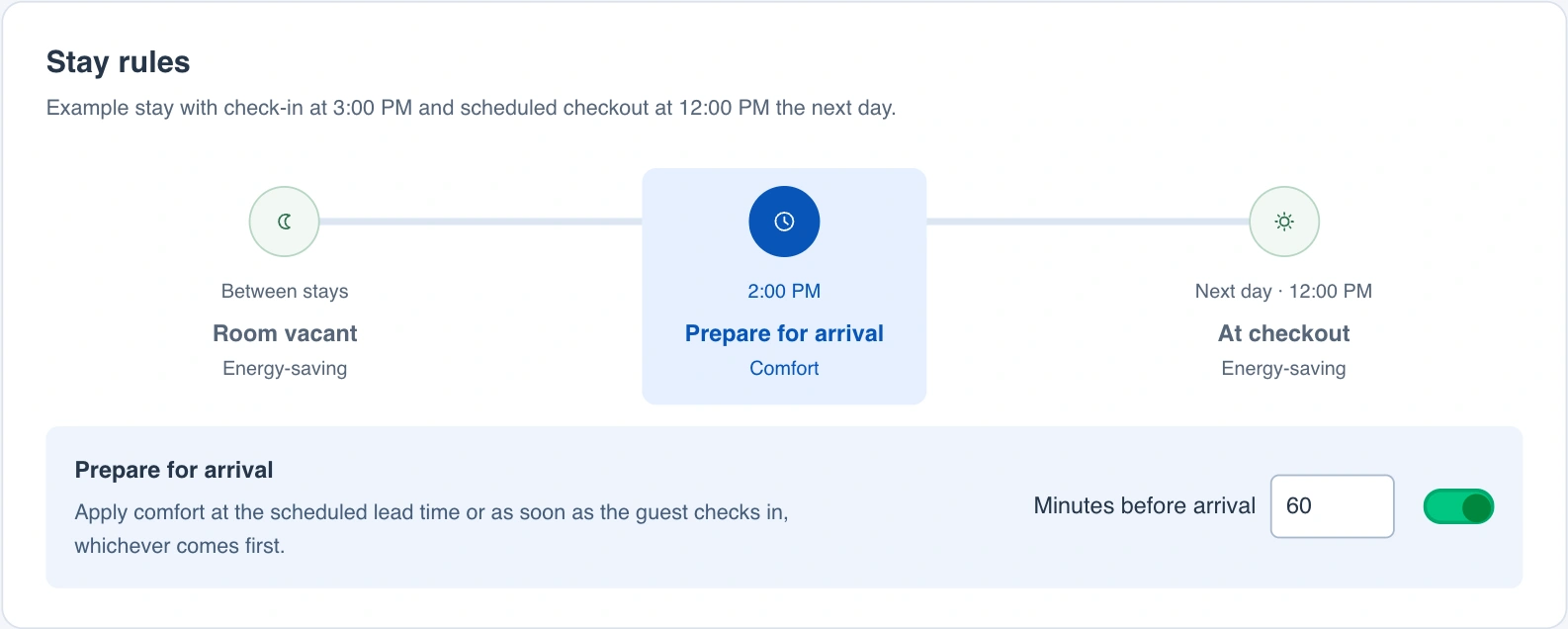
Choose how far ahead to start heating or cooling. LOXE follows the reservation, so an extended stay keeps its comfort settings and a vacant room can return to energy-saving temperatures.
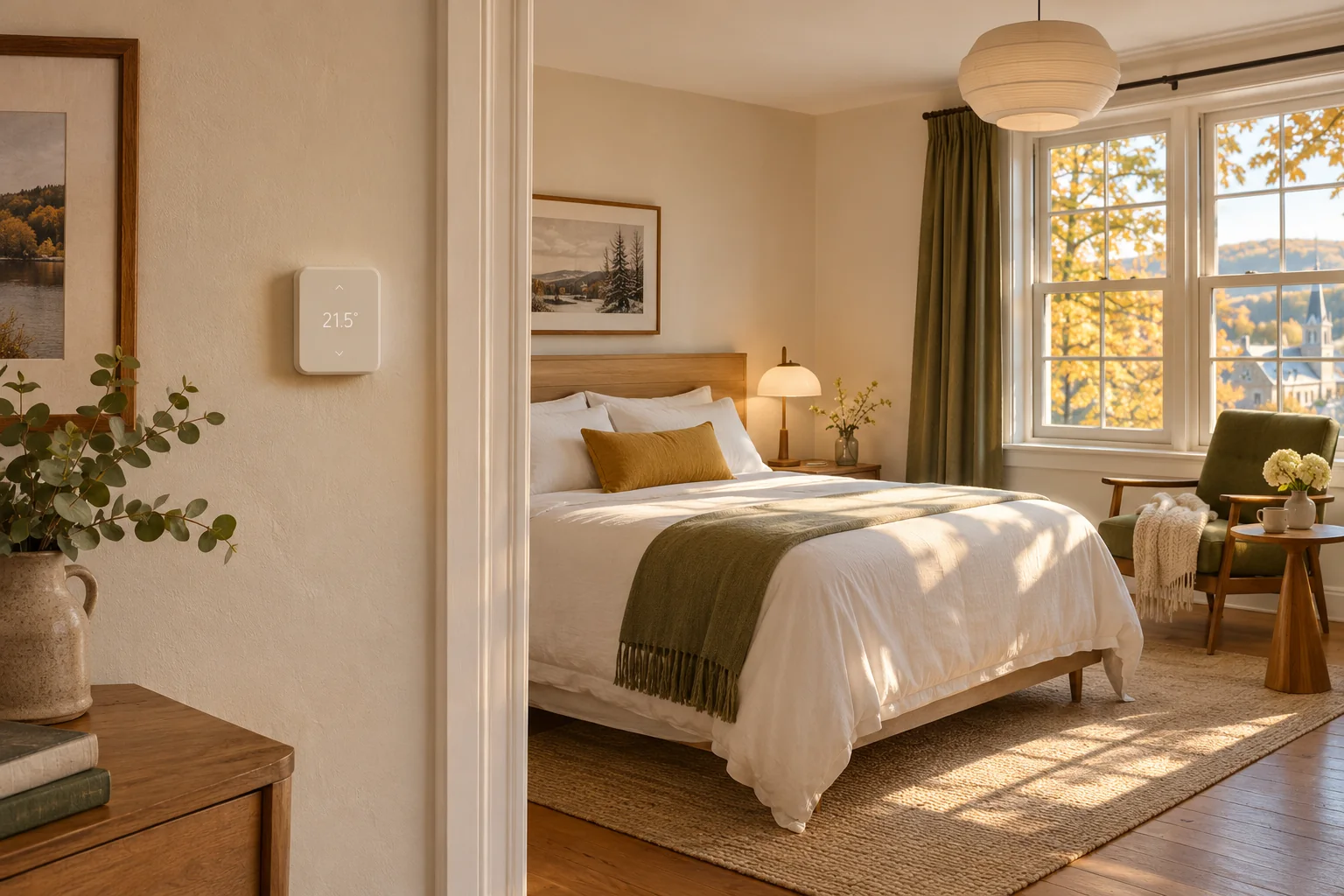
A weekend in room 102
A guest books Friday night, then decides to stay a second night. Here’s how the room temperature follows the reservation.
Friday at 2 p.m.
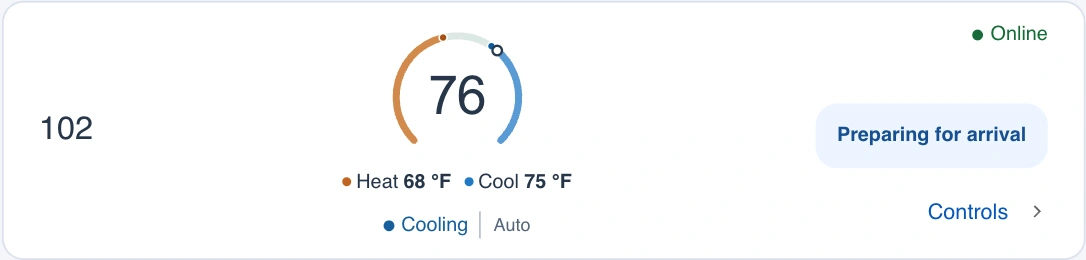
The guest is due at 3 p.m. The hotel has set a one-hour lead time, so LOXE applies the Comfort preset. At the front desk, staff can see that room 102 is cooling toward its target.
Saturday morning
The guest adds a night. Once the new departure date reaches LOXE, the room keeps its comfort settings through the original noon checkout. Staff only need to update the reservation.
Sunday at checkout
The guest checks out at noon. With no other stay due in the room, LOXE switches the thermostat to the hotel’s energy-saving settings.
Will it work with your thermostats?
The pilot connects to compatible Honeywell Home and Resideo thermostats. Send us your thermostat model and we’ll help you check.
Contact us